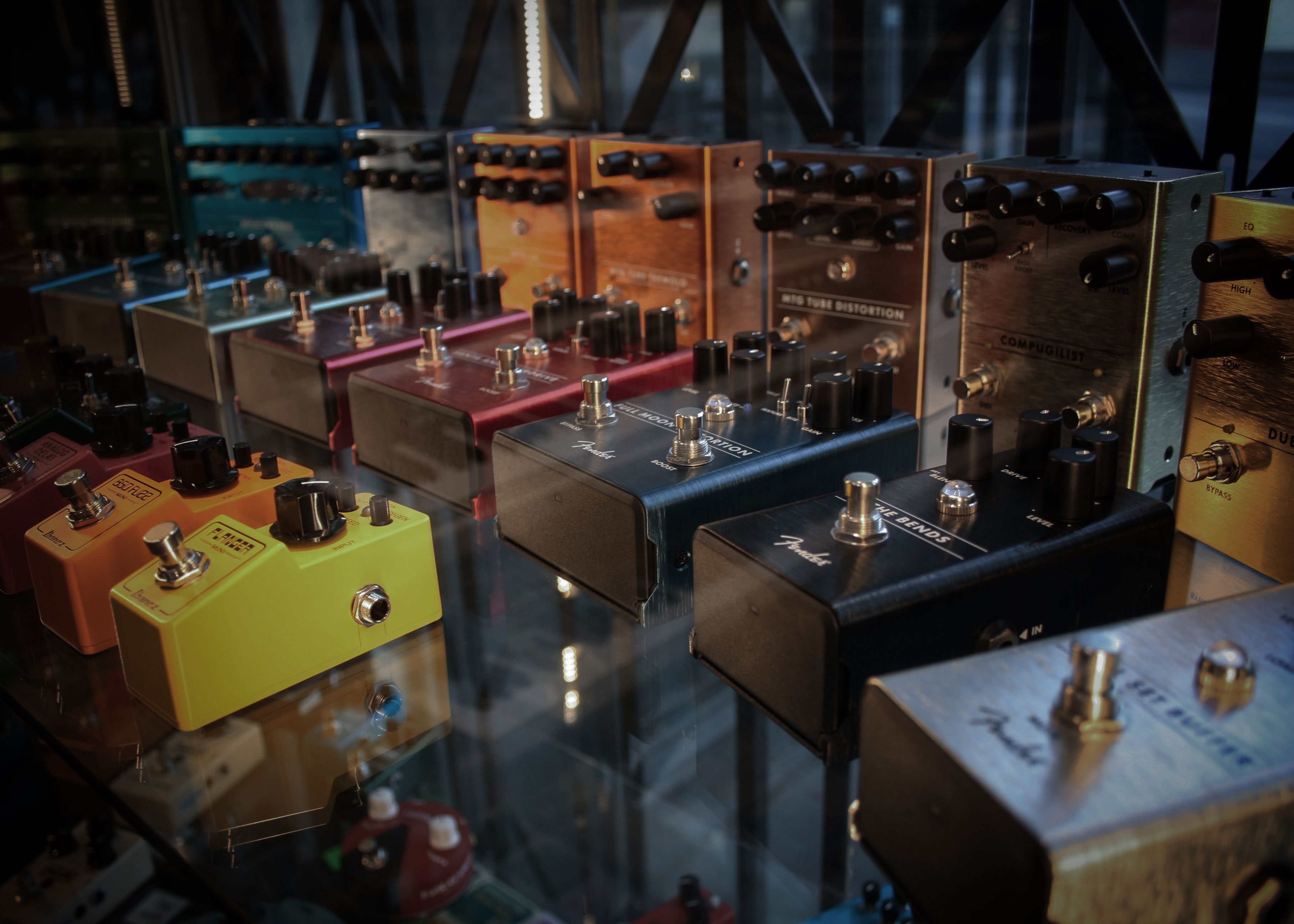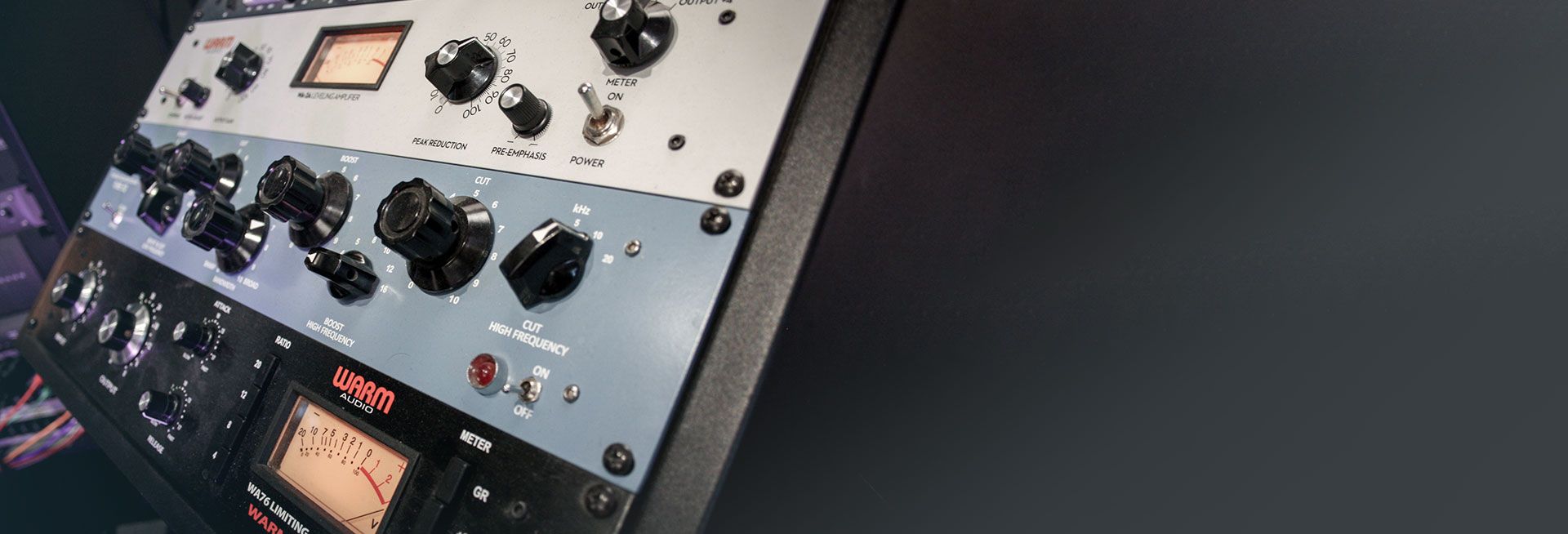
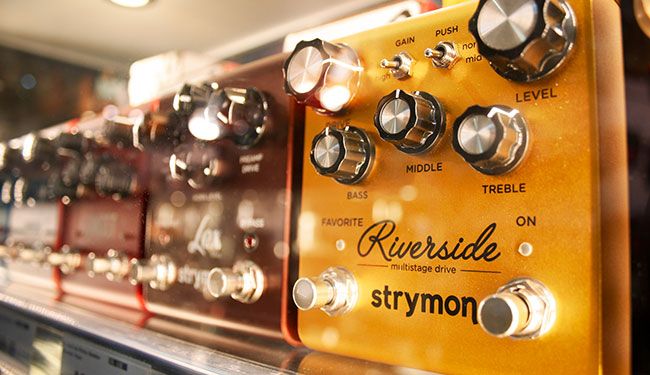
What are Audio Effects?
Audio effects are signal processors that change one or more characteristics of a sound — its volume, frequency content, timing, pitch, or spatial position. This could be as simple as a subtle volume boost across certain frequencies, or as complex as projecting a signal into a virtual room and resampling the reverberations from an imaginary microphone. Most effects work by splitting a signal into a dry (unaffected) path and a wet (affected) path, which are then blended back together to taste.
What types of audio effects are there?
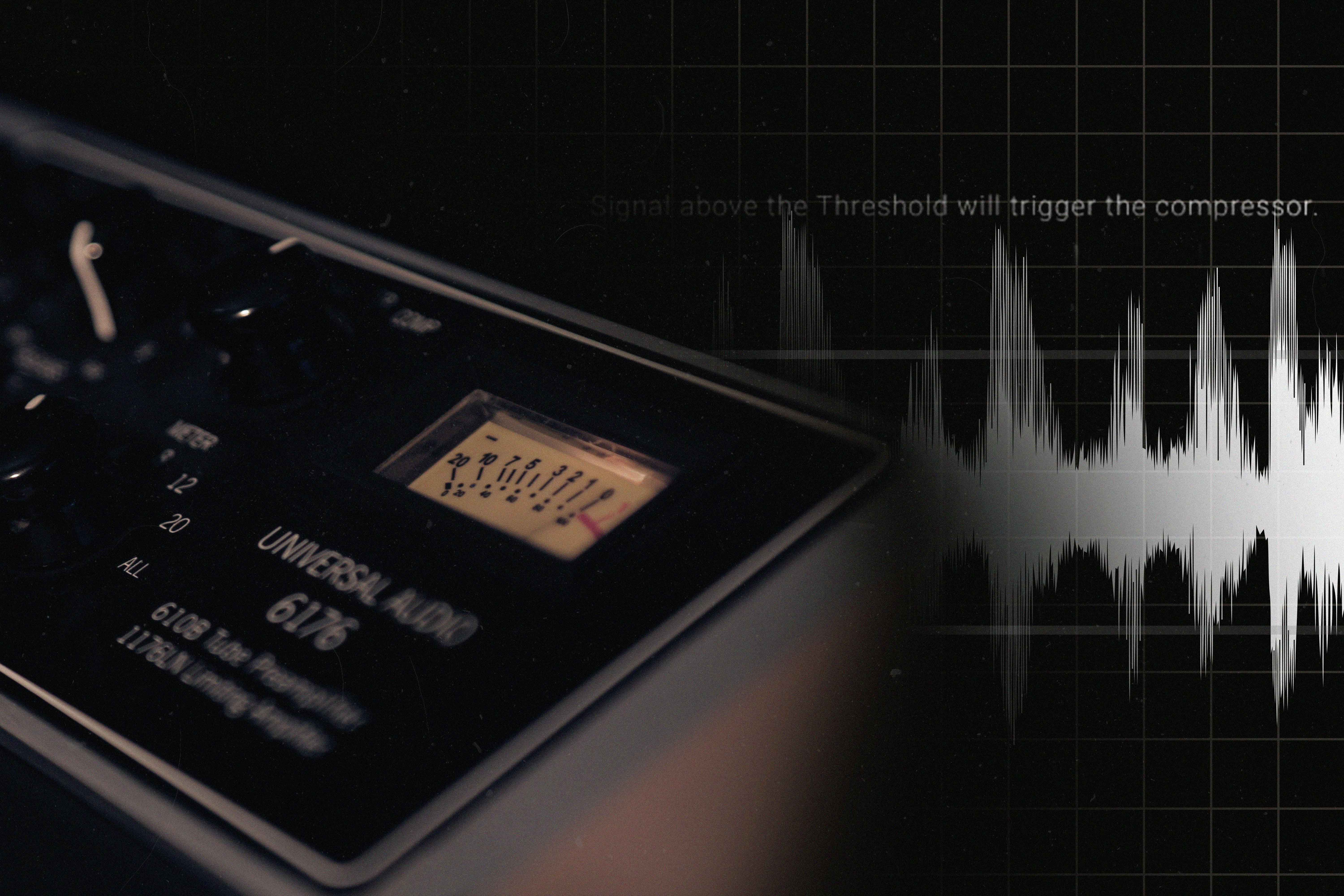
Dynamic effects - compression, limiting, noise gates & expanders
Dynamic effects process a signal in response to its amplitude (volume level). They're the most powerful tools in any mix — making recordings feel consistent, professional, and polished. Use them too much and you'll destroy a signal's life; use them right and everything just sounds better.
Compression reduces the difference between the loudest and quietest parts of a signal, then raises the overall volume. This makes signals easier to mix, adds sustain, enriches harmonic content, and increases perceived loudness and presence. A little compression works well on just about everything.
A limiter is an extreme form of compression that essentially prevents a signal from exceeding a defined ceiling. This allows you to push volume upward without clipping. Limiters are best used on rough mixes and final masters to safely push levels to a broadcast standard.
A noise gate is an upside-down limiter — it reduces the quietest parts of a signal. This is ideal for eliminating unwanted hum, ambience, or long instrument tails. For guitarists and bassists running hot effects chains, a noise gate is essential. It brings silence back to the spaces between notes.
Expanders do the opposite of compressors: loud parts get louder and quiet parts get quieter. This stretches the dynamic range and cuts unwanted noise. Expanders add life to vocal and instrumental tracks, and help reduce mic bleed when mixing a live drum kit.
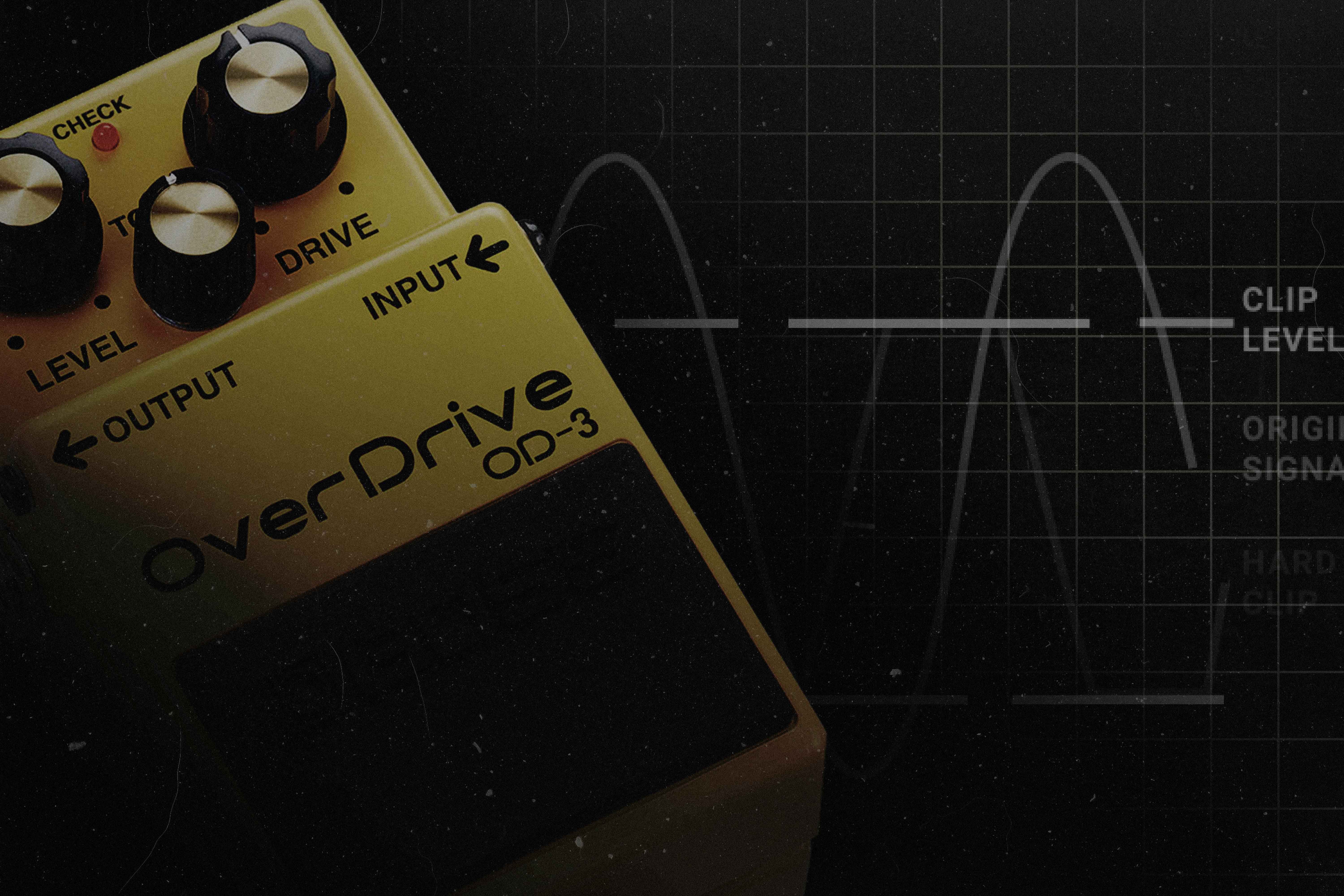
Distortion effects - saturation, overdrive, distortion, fuzz & bit-crushing
Distortion effects generate harmonics by pushing a signal past its normal operating level or by deliberately clipping its waveform. They're no-nonsense vibe with the power to transform any instrument into a grittier, more exciting version of itself.
Saturation adds warmth by producing even-order harmonics without dramatically altering the character of a sound. It's ideal on vocals, drums, and acoustic instruments - breathing life and feeling into otherwise sterile recordings. Add it gently to synths and masters to give them an analogue quality.
Overdrive pushes a signal to soft-clip its loudest peaks, producing warm, even-order harmonics similar to a valve amp pushed hard. Born in 1940s tube circuits, overdrive remains essential to any electric guitar effects chain. It also works beautifully on synths, bass, and even drum tracks.
Distortion uses solid-state transistors to hard-clip a signal, producing odd-order harmonics and a more aggressive, saturated tone. Where overdrive is warm and musical, distortion is raw and powerful - a rock guitarist's best friend and a bass player's secret weapon.
Fuzz takes the transistor approach and pushes it to extremes. It mangles a signal into a unique, square-ish waveform and uses frequency multiplication to add complex harmonic overtones. The result is one of the most iconic, unmistakable guitar tones ever created - and it sounds incredible on synths and percussion too.
Bit-crushing lowers the number of volume levels available to express an audio signal (its bit-depth), creating a pixellated, lo-fi sound full of harsh edges and unexpected artefacts. Perfect for dark synths, industrial percussion, or lo-fi lead guitar tones.
A boost simply raises the volume of a signal. Placed in front of a clipping circuit - your amp, a drive pedal, or a fuzz - it controls how hard the input is pushed, dialling in how much of the signal gets converted into harmonics. Start small; the results can be dramatic.
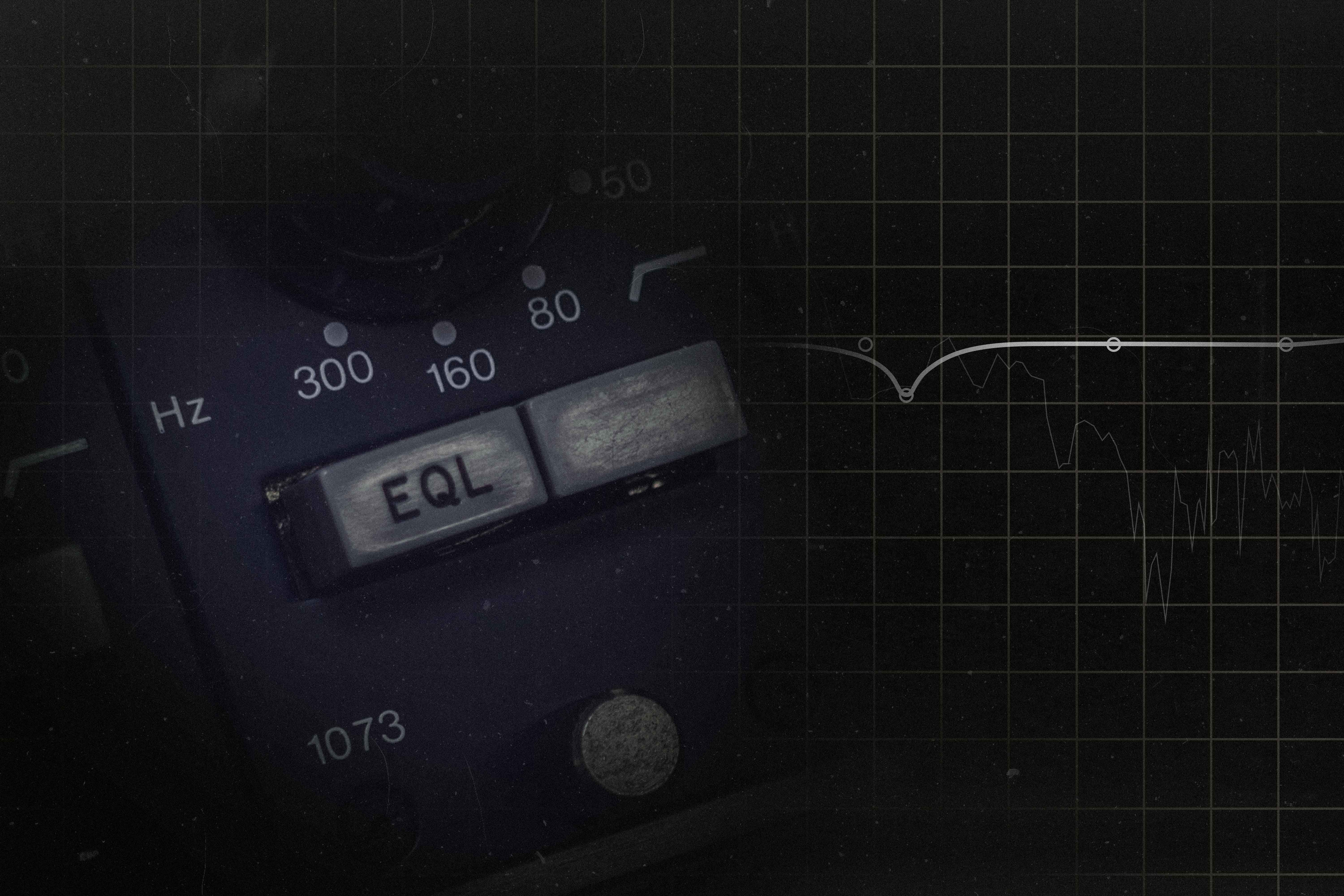
Spectral effects - EQ, band compression, pitch shifting & harmonisation
Spectral effects allow you to analyse and adjust a signal across the full audio spectrum, altering specific frequency bands or pitch content with surgical precision. They're the toolkit for fixing, enhancing, or radically warping a sound.
EQ gives you control over the relative volume of different frequency bands - from a simple bass/mid/treble control to a detailed parametric graph covering individual Hz values. Use it to remove unwanted frequencies and free up space in a mix: roll off the lows from guitars, cut harsh highs from synths, and notch out problem frequencies from drum recordings.
Band compression compresses only a defined frequency range rather than the whole signal. This lets the initial transient attack of a sound pass through unchanged while sustaining the decaying tail - great for vocals, acoustic instruments, and drum bus processing.
Pitch shifting (also called pitch transposition) moves the perceived pitch of a signal to a different point on the musical scale. This covers everything from subtle auto-tune correction to dramatic octave-up/down effects, resampling drums, and detuning synths for extra width and power.
Harmonisation detects the pitch of an incoming signal and creates one or more duplicates at different intervals in a scale. Depending on what you feed in, this produces chords, lush harmonies, or walls of controlled atonality. Harmonisers are especially powerful for solo vocalists and electronic producers.
Stereo effects - auto-pan, stereo imaging & mono summing
Stereo effects move sounds left and right across the stereo field, using physical panning and psycho-acoustic techniques. They add width, create a sense of space and movement, and help craft the sonic environment your music lives in.
Auto-pan applies automated movement to a signal's position in the stereo field, cross-fading between the left and right speakers over a user-defined time or tempo subdivision. Use it to create rotating soundscapes, a sense of motion, or to subtly draw a listener's attention.
Stereo imaging widens (or narrows) a signal beyond its natural stereo position using psycho-acoustic tricks. By doubling a mono signal, placing copies left and right, and subtly delaying one side, a stereo imager creates phase cancellation that tricks the brain into perceiving the source as wider than the speaker spread itself.
Mono summing collapses a stereo signal into a single mono channel. It's an essential QC tool for preventing phase cancellation on critical mix elements, particularly kick and bass. Check your master in mono regularly to identify frequency problems before they become unfixable.
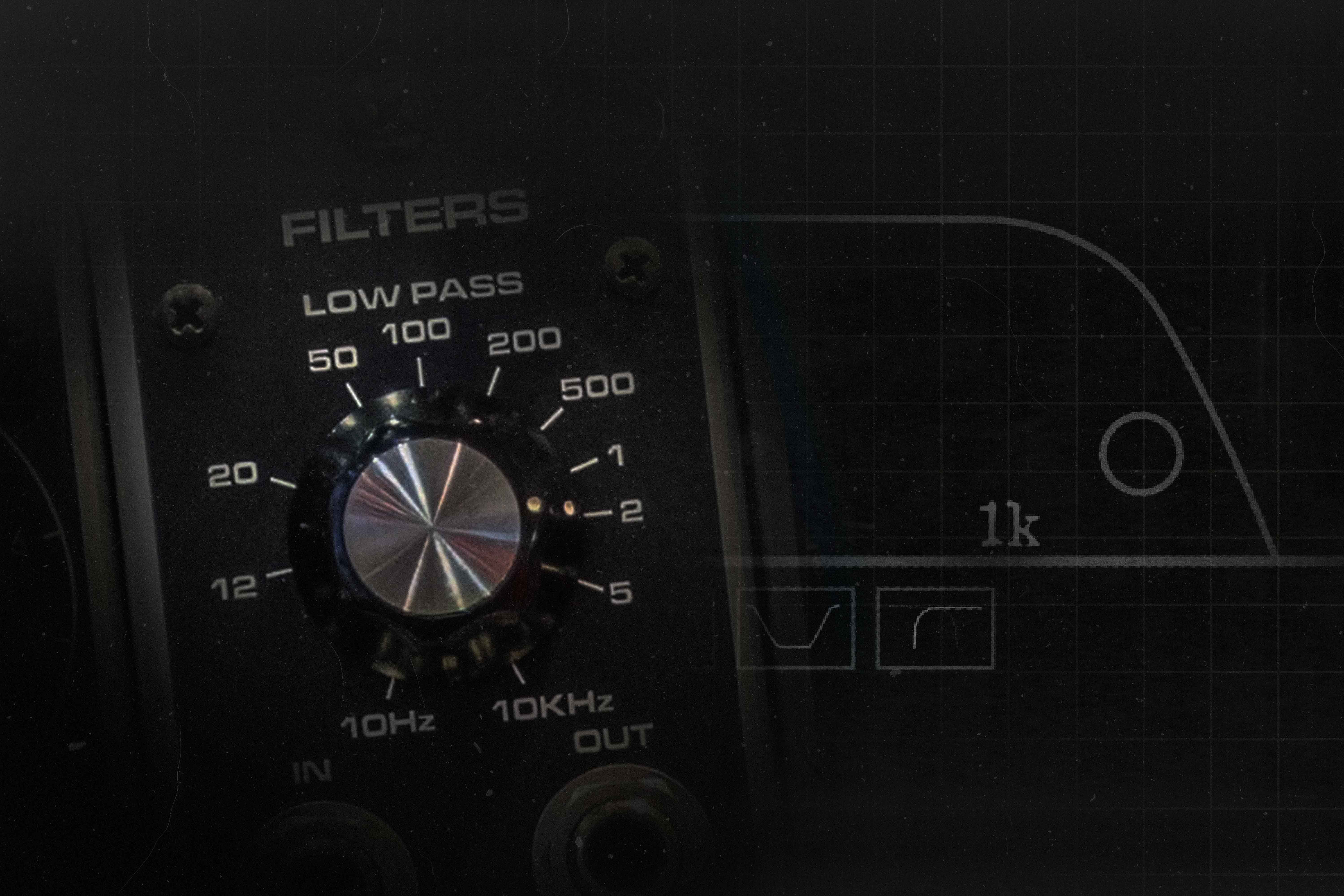
Filter effects - high pass, low pass, band pass, notch, wah-wah & auto-wah
Filters remove a defined portion of the frequency spectrum from a signal. Unlike EQ, they often have a distinctive character shaped by their components, slope, and resonance behaviour — making them flavourful tools rather than clinical correctives.
A high pass filter (HPF) removes low and mid frequencies, allowing higher-pitched content to pass through unchanged. Use HPFs to clean up metallic sounds, tighten techno snares, and add definition to bass lines without sacrificing energy.
A low pass filter (LPF) removes highs and mids and lets low frequencies through. Throw one on kick and bass to make them felt rather than heard, or on busy synth lines to calm them down and reveal interesting harmonic undertones.
A bandpass filter cuts both highs and lows, allowing only a narrow band of frequencies through - typically swept through the low- or high-mids. Experiment on toms, traditional percussion, and found sounds for expressive, evolving timbres.
A notch filter (also called band-stop or band-reject) does the opposite of a bandpass: it cuts a narrow frequency band while allowing everything else through. Use notch filters to remove unwanted resonances from samples, room recordings, or synthesiser patches.
A wah-wah pedal is a resonant filter that sweeps across a portion of the frequency spectrum via a foot rocker. It creates a vocal-like "spectral glide" where the timbre of the instrument shifts while the pitch remains the same. Iconic on guitar, brass, and keyboards.
An auto-wah (also called an envelope filter or envelope follower) is a wah-wah driven by the amplitude of the input signal rather than a foot pedal. It reacts faster than any human can, producing a rhythmic, funky filter effect that responds directly to how you play.
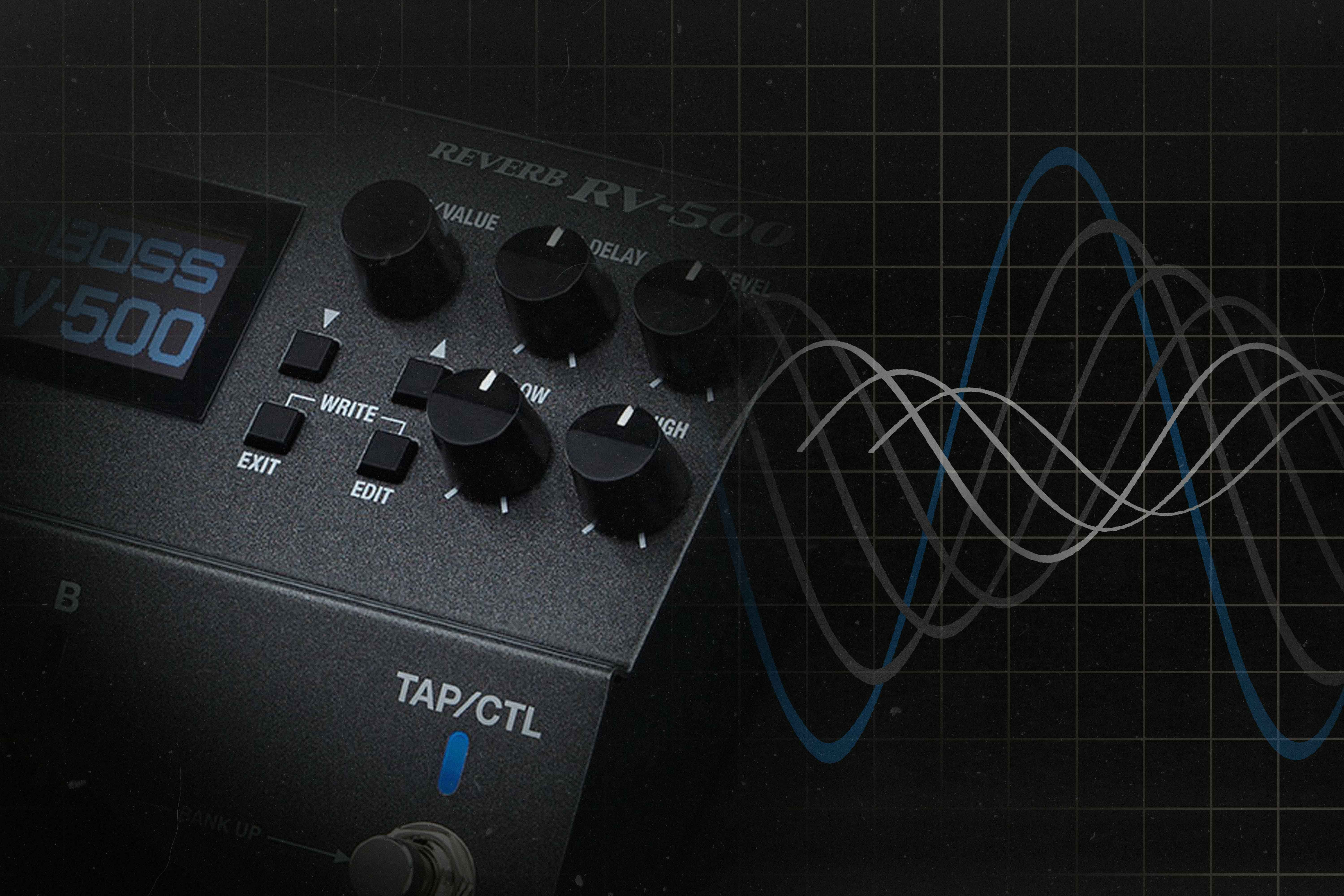
Time-based effects - reverb, delay & echo
Time-based effects copy a signal and delay its replay to create variations on the natural echoes that occur in physical spaces. They add depth, width, and ambience to a signal and are among the most indispensable tools in music production and live performance.
Reverb simulates the acoustic reflections of a physical space — the way sound bounces off walls, floors, and hard surfaces before dissipating. There are several varieties:
- Room reverb — projects a signal into a real or algorithmic room and captures the resultant reflections. Great for giving sounds a natural sense of space.
- Plate reverb — uses a metal plate (real or virtual) to produce a bright, unnatural reverb with a fast attack. Perfect for blending with room reverb or creating bold slapbacks.
- Spring reverb — uses a tense spring in a sealed tank. Dark, bouncy, and full of low-end character. Iconic on surf guitars, organ, and vintage amplifiers.
- Convolution reverb — uses the impulse response of a real space to recreate it with detail no algorithm can match. The go-to for SFX, film sound, and live performance emulations.
Digital delay records a signal and plays it back as a precise, perfect repeat at a defined interval and volume. This unnatural precision gives digital delay a clean, modern character. Echo, by contrast, emulates the imperfect, degraded repeats produced by analogue tape machines or bucket-brigade devices - adding warmth, colour, and a vintage depth that digital can't replicate exactly.
Ping-pong delay is a stereo delay that pans its repeats alternately left and right. This creates width while also drawing the listener's attention to the moving signal. It adds rhythm to percussion, creates spatial interest on pads, and fractures lead lines into something hypnotic.
Asynchronous delay places separate delays in the left and right channels with independently controllable parameters - making them sound like two distinct effects. It's a powerful tool for creating evolving patterns of call and response that disorientate and intrigue.
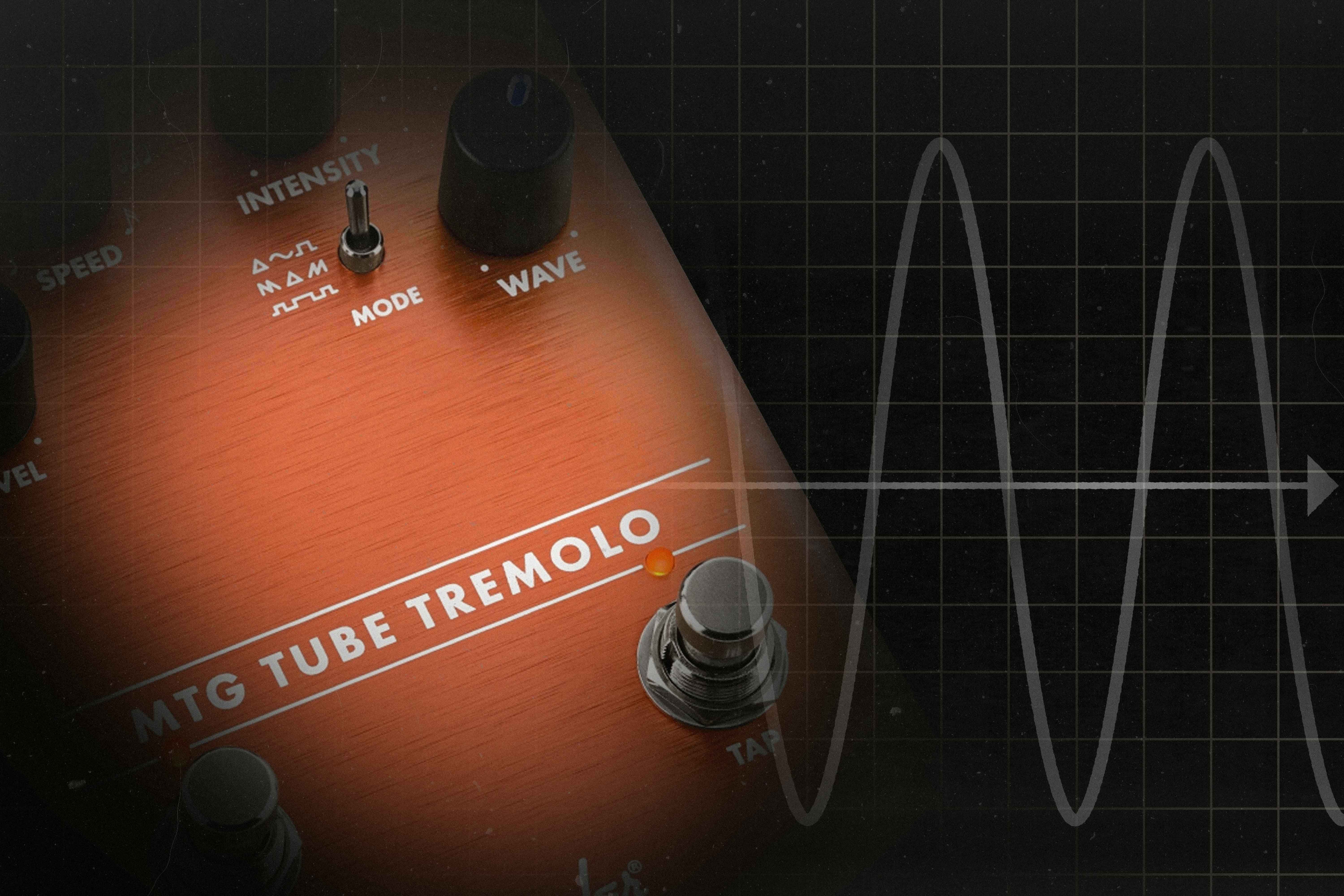
Amplitude modulation - tremolo, flange & phase
Amplitude modulation effects increase and decrease the volume of a signal over time using a Low Frequency Oscillator (LFO). They are inherently rhythmic, accenting some notes while ghosting others, and can range from gentle movement to radical sonic destruction.
Tremolo applies an LFO directly to a Voltage Controlled Amplifier (VCA) handling the incoming signal. This produces swells, angular chops, or — at audio-rate frequencies - AM synthesis. Use tremolo to animate drum patterns, create helicopter-chord guitar effects, or produce pulsing electronic glitches.
A flanger mixes the original signal with a slightly delayed copy (typically 0–20ms) that has an LFO modulating its delay time. This creates a sweeping "comb filter" effect — the iconic whooshing, jet-plane sound. Run it through feedback for even more drama.
A phaser mixes a signal with a copy that's been processed through a series of all-pass filters, creating phase cancellation notches that sweep across the frequency spectrum. The result is more subtle than flange - a swirling, psychedelic effect with a musical, organic quality. Great on guitar, synths, and vocals.
Ring modulation multiplies two signals together, producing sum and difference frequencies of both inputs. It inverts the waveform and completely overwrites the original timbre. The result is characteristically metallic and atonal - powerful for rhythm and sound design, but melodically unpredictable.
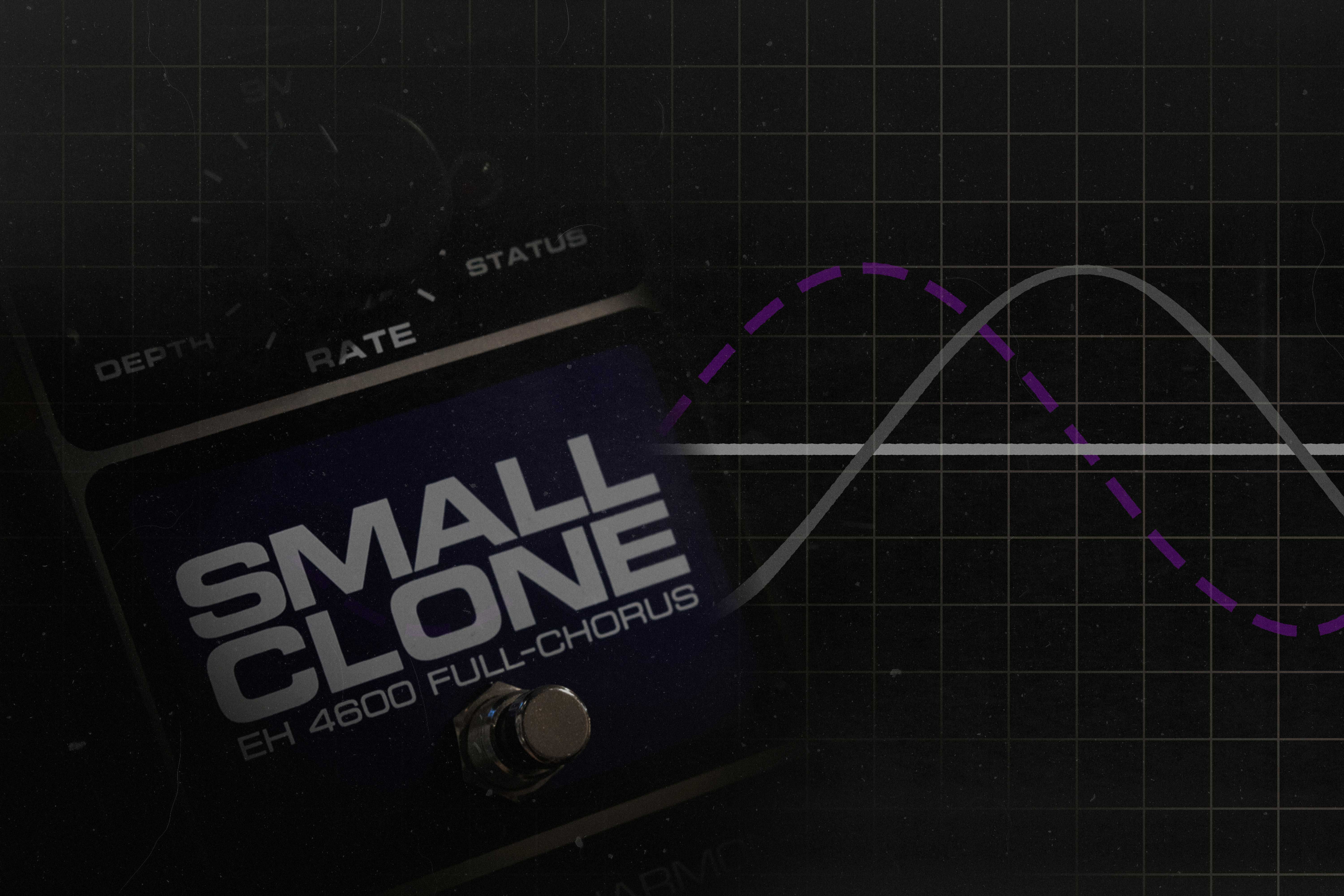
Frequency modulation - chorus, vibrato, pitch shifting & FM synthesis
Frequency modulation effects increase and decrease the pitch of a signal over time by applying an LFO to pitch - either on the original signal or a slightly delayed copy. They change the timbre and feel of a sound without dramatically shifting its timing or emphasis.
A chorus pedal blends the original signal with a slightly delayed, pitch-modulated copy. The subtle phase cancellation between the two creates a shimmering, widened, "doubled" effect. Add chorus to long notes for a dreamy quality, to short notes for movement, or to vocal takes for body and strength.
Vibrato uses an LFO to modulate the pitch of the original signal only (unlike chorus, which keeps the dry signal clean). The result is a warbling pitch effect - subtle at low depths, distinctly wobbly at higher settings. Use it to emulate acoustic vibrato techniques or the sound of warped vinyl.
FM synthesis modulates the frequency of an audible carrier signal using an inaudible modulator signal. It creates rich, complex timbres that are difficult to achieve through other forms of synthesis. Explore FM for bell-like percussion, glassy electric pianos, and cutting kick and bass sounds that are one knob turn from full atonality.
How to build a guitar effects signal chain
The order your pedals sit in determines how they interact — and getting it wrong can kill your tone. There's no single rule that works for every rig, but the following order is the most widely recommended starting point. Experiment from there.
-
Start with your instrument
Your guitar or bass signal is at its cleanest before it hits anything. Protect that signal — keep cables short and shielded, and make sure your first pedal sees the full, uncoloured output of your instrument.
-
Tuner and filter/wah effects
Your tuner goes first, always. It needs the cleanest possible signal to read pitch accurately. Wah and envelope filter pedals also work best early in the chain — before any gain — as they respond more musically to a dry, unprocessed signal.
-
Dynamic effects — compressor and noise gate
Place your compressor after the tuner and wah, before any dirt pedals. Compressing first evens out your pick attack and gives your gain stages a consistent, predictable input. A noise gate can sit here too, or after your drive pedals if you need to tame a noisy chain.
-
Gain and distortion effects
Overdrive, distortion, and fuzz go next. Stack them light-to-heavy — a clean boost or mild overdrive first, then heavier distortion or fuzz behind it. This approach gives you the most control over how your gain stages interact and stack.
-
Modulation effects
Chorus, flanger, phaser, tremolo, vibrato, and pitch-based effects work best after your gain stage. Modulating a shaped, processed signal produces cleaner and more musical results than modulating a raw one. The exception: some players prefer vibrato or tremolo before gain for a different, more chaotic character.
-
Time-based effects — delay and reverb
Delay and reverb almost always go last. This means the echoes and reflections are replicating your full processed signal — not a dry, mid-chain version of it. Reverb should generally be the final effect in the chain. The exception is placing a delay after reverb for ambient and shoegaze textures, where you want to smear the reverb tail with repeated echoes.
-
Into your amp or interface
Run the output of your last pedal into your amp's input jack, or straight into an audio interface if you're recording direct. If you're using a modeller like the Neural DSP Quad Cortex or Line 6 POD Go, you can skip the amp entirely — run straight to your interface or PA system.
Quick reference — recommended signal chain order:
Instrument → Tuner → Wah/Filter → Compressor → Boost → Overdrive → Distortion → Fuzz → Modulation → Delay → Reverb → Amp / Interface
Frequently asked questions about audio effects
Audio effects are signal processors that change one or more characteristics of a sound - such as its volume, frequency content, timing, pitch, or spatial position. They can range from subtle dynamic control (compression) to dramatic sonic transformation (fuzz, ring modulation). Most effects split a signal into dry (unaffected) and wet (affected) paths that are then blended together.
Reverb simulates the natural acoustic reflections of a physical space. Delay records a signal and plays it back after a defined time interval, creating distinct echoed repeats. Reverb adds ambience and depth; delay adds rhythm and space around a sound. Both are time-based effects, and many modern pedals combine them.
Overdrive mimics the sound of a valve amplifier pushed past its clean level - soft clipping, warm even-order harmonics. Distortion uses transistors or hard-clipping circuits for a more aggressive tone with odd-order harmonics. Overdrive suits blues and classic rock; distortion suits heavier styles -though there's significant overlap depending on the pedal.
A compressor pedal reduces the dynamic range of your signal - making loud parts quieter and quiet parts louder. This evens out your playing, adds sustain, and increases perceived punch. It's one of the most useful pedals for guitarists, bassists, and keyboardists, and is used on almost every professionally recorded instrument.
Both mix a signal with a modulated, slightly delayed copy. Chorus uses a longer delay time (15–35ms) to create a shimmering doubled effect. Flange uses a much shorter, swept delay (0–20ms), producing a dramatic sweeping, jet-engine sound. Chorus is subtler; flange is more intense and distinctive.
For guitarists: a tuner, an overdrive or distortion pedal, and a reverb. Add a delay and compressor once you're comfortable. In the DAW, learn EQ and compression first - they're the most fundamental mixing tools. A multi-effects unit like the Neural DSP Quad Cortex or Line 6 POD Go is a great way to explore a wide range before committing to individual pedals.
End of the Signal Chain
This concludes our top-down look at audio effects. Stay tuned as we update this page with links to new articles discussing each effect type in more detail.
Whether you're building your first pedalboard or hunting for that next boutique effect, we've got a huge range in stock online and across our six stores in Melbourne, Sydney, Brisbane, and Perth.
Not sure where to start? Contact our team - call 1300 626 697 or email online@mannys.com.au. We're musicians, and we love talking about this stuff.
Orders over $100 ship free Australia-wide. 30-day easy returns. 2-hour Click & Collect available. Mannys Means Music.